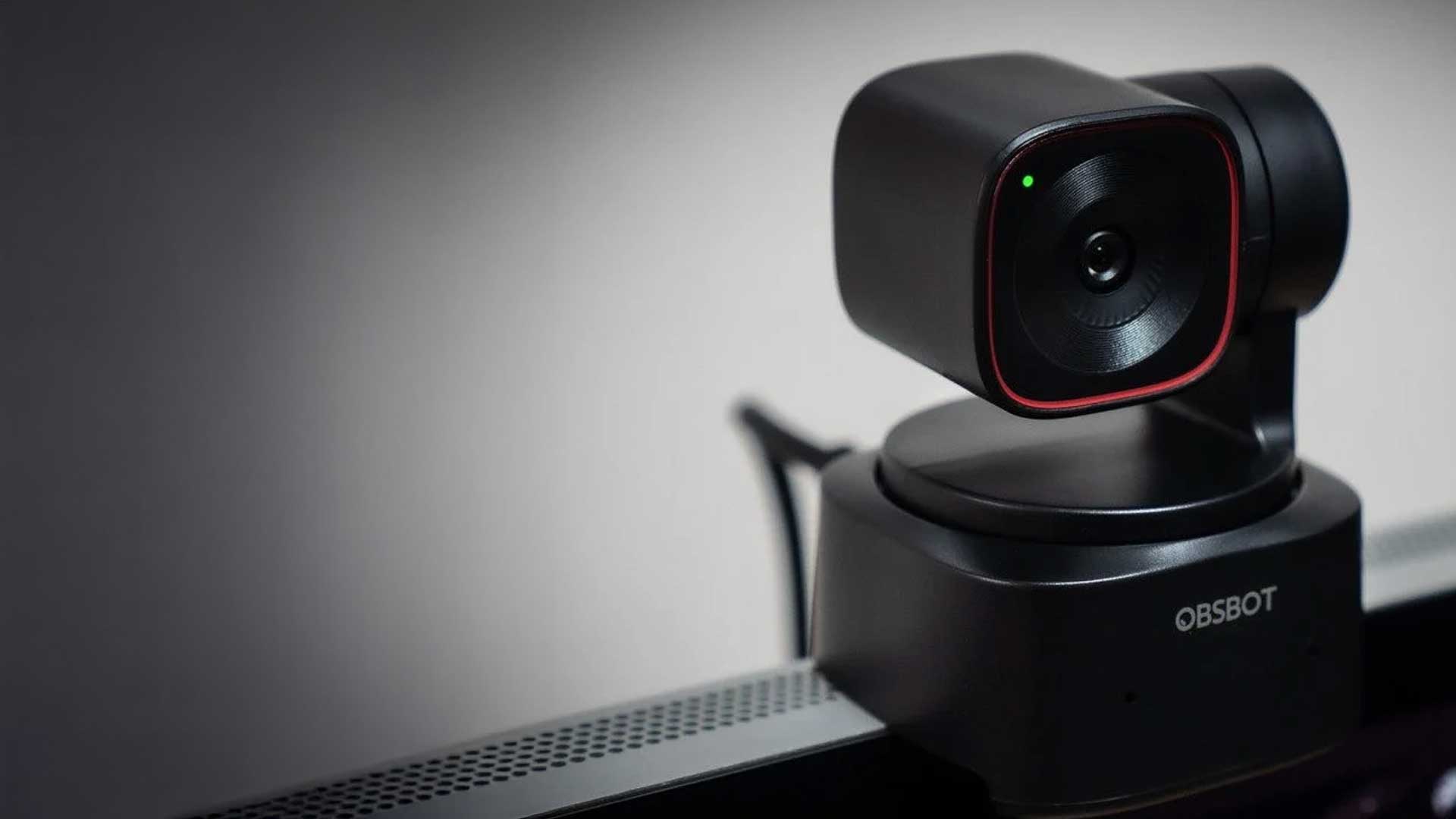
The OBSBOT Webcam Tiny 2 Lite 4K promises studio-level detail, smooth AI tracking, and setup that takes less time than brewing coffee. You’ve likely seen YouTube reviewers praising its clarity—yet reproducing those results at home can be another story. Below is an honest look at where this smart cam excels and where there’s still room to grow.
OBSBOT Tiny 2 Lite 4K Webcam Review
Main Features
- Large 1/2″ CMOS sensor with an f/1.8 lens that gathers more light than typical laptop cameras, helping maintain crisp detail and truer colors even in average room lighting.
- 4K recording at 30 fps and 1080p at 60 fps so you can choose between maximum resolution for static presentations or higher frame rate for motion-heavy demos.
- Motorized pan-tilt gimbal with AI Auto-Tracking and Auto-Zoom that follows your face or body as you move, keeping you perfectly framed without manual adjustments.
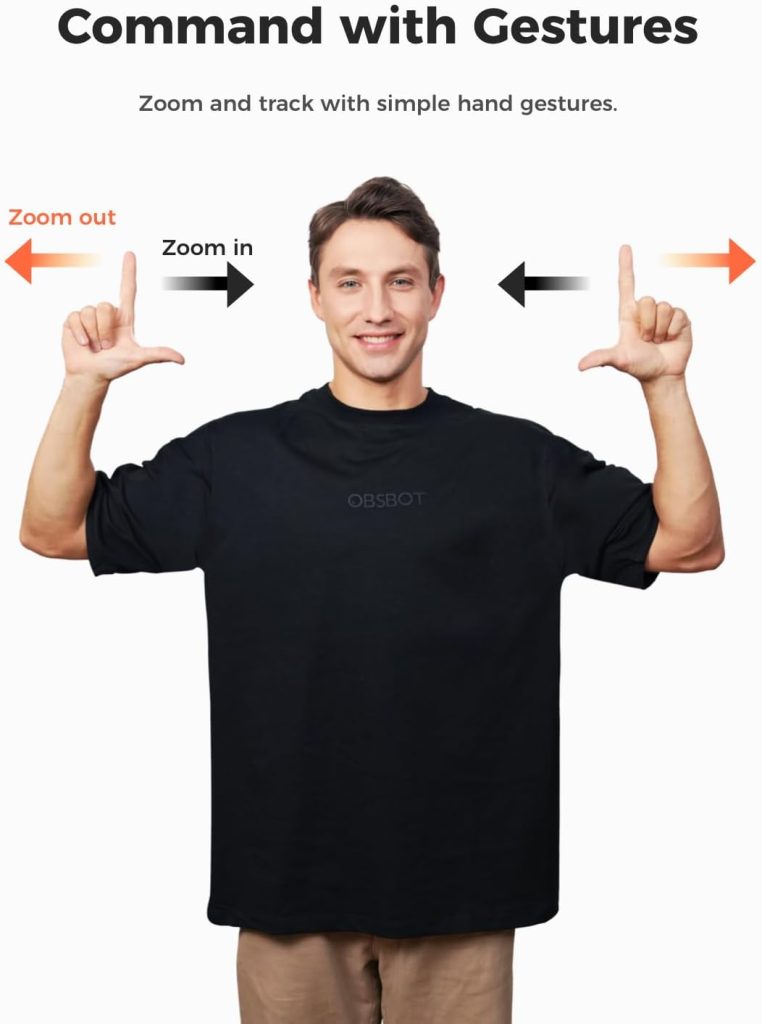
- Gesture Control 2.0 lets you start or stop tracking, zoom in, or switch framing modes simply by raising a hand—handy when you’re mid-presentation and can’t fumble for mouse controls.
- Dual noise-canceling microphones designed to filter out HVAC hum, keyboard chatter, and distant conversations so your voice stays front and center.
- 79.4-degree field of view that’s wide enough to show props or a whiteboard yet tight enough to avoid showcasing every corner of a cluttered room.

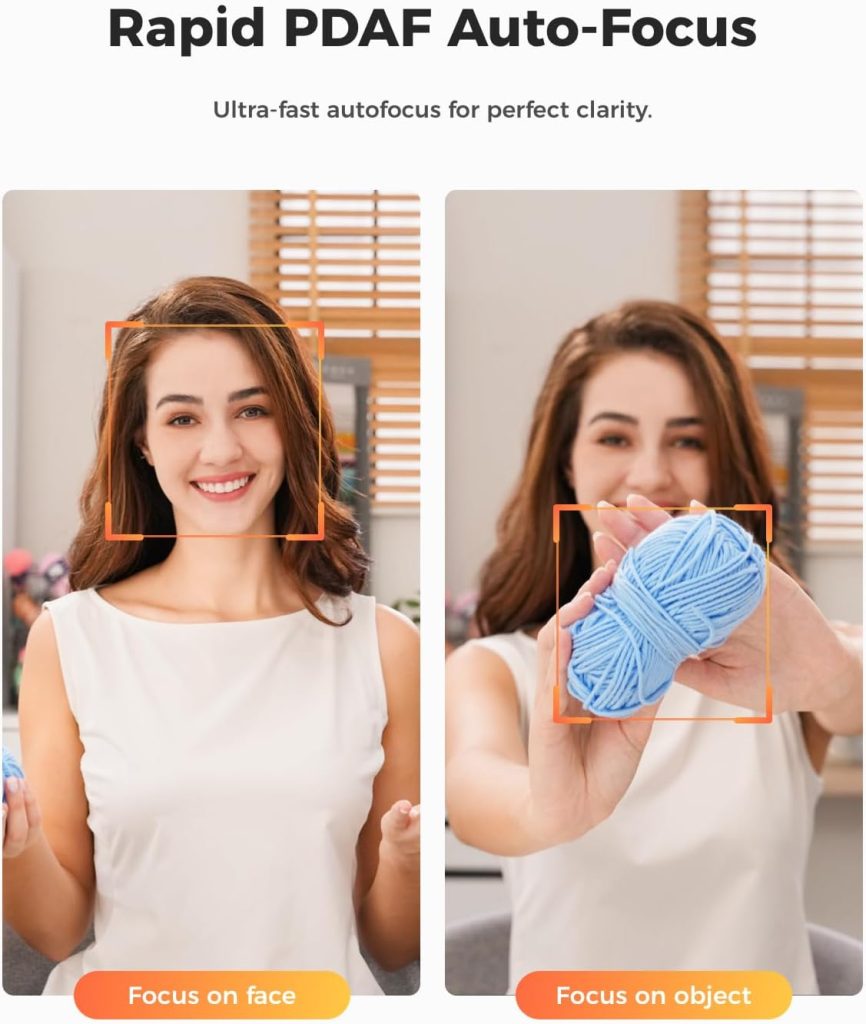
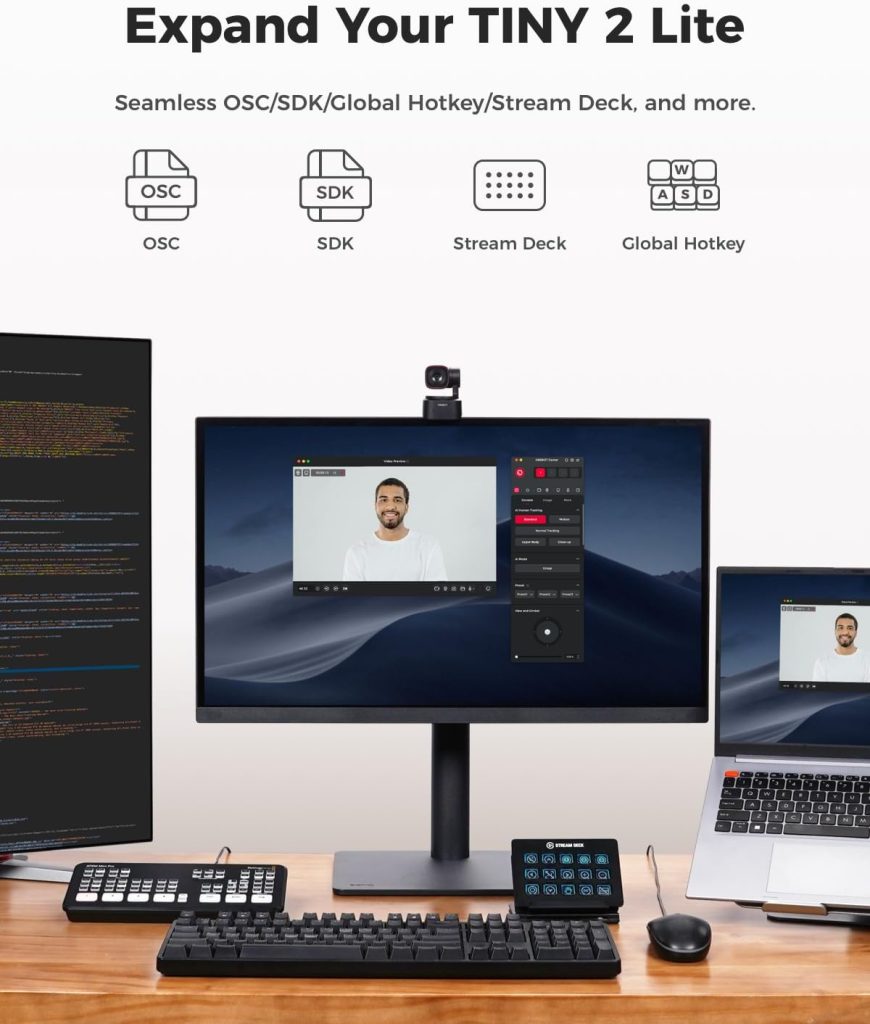
Why We Like It
Initial setup is true plug-and-play: USB-C in, software installed, and Zoom immediately detects the camera. On calls, coworkers commented on the sharpness before I even mentioned the upgrade. The AI follow feels almost cinematic—stand to stretch or grab a coffee, and the frame glides with you. The built-in beauty filter is another highlight, slimming and smoothing just enough to hide a late night without tipping into uncanny “plastic skin.”
Who Will Benefit Most
- Remote professionals who need polished video without investing in a mirrorless camera and capture card.
- Educators and fitness instructors who move while teaching or demoing and can’t always remain centered.
- Streamers and content creators wanting a desk-friendly 4K shot plus hands-free framing.
Can Improvements Be Made?
Matching the pristine footage from influencer reviews required brighter lighting and some software tweaking. While low-light performance is better than most webcams, a larger sensor—as found in the flagship Tiny 2—would narrow the gap to entry-level mirrorless cameras.
Pros
- AI tracking that feels professional
The motorized gimbal predicts your motion smoothly, so the video looks like it’s shot by a real camera operator rather than a fixed lens juggling digital crops. This makes presentations, product demos, and casual walk-and-talks far more engaging. - Sharp, color-accurate 4K video
Thanks to its larger sensor and fast lens, fine textures on clothes and facial features stay detailed. Colors lean natural rather than oversaturated, which saves time in post-processing for content creators. - Subtle yet effective beauty mode
Instead of the heavy blur found in many webcam apps, OBSBOT’s filter trims jawlines slightly and evens skin tone. The effect hides fatigue without making you look airbrushed—great for back-to-back meetings or live streams. - Dual microphones with solid noise suppression
The built-in mics pick up voice clearly and reduce HVAC hum or keyboard clacks. For many remote workers, that eliminates the need for a separate USB mic in casual meetings. - Gesture shortcuts streamline control
Need to zoom in on a prop or switch the frame quickly? A simple hand gesture does the trick, letting you keep eye contact with your audience instead of hunting for on-screen buttons. - Thoughtful hardware touches
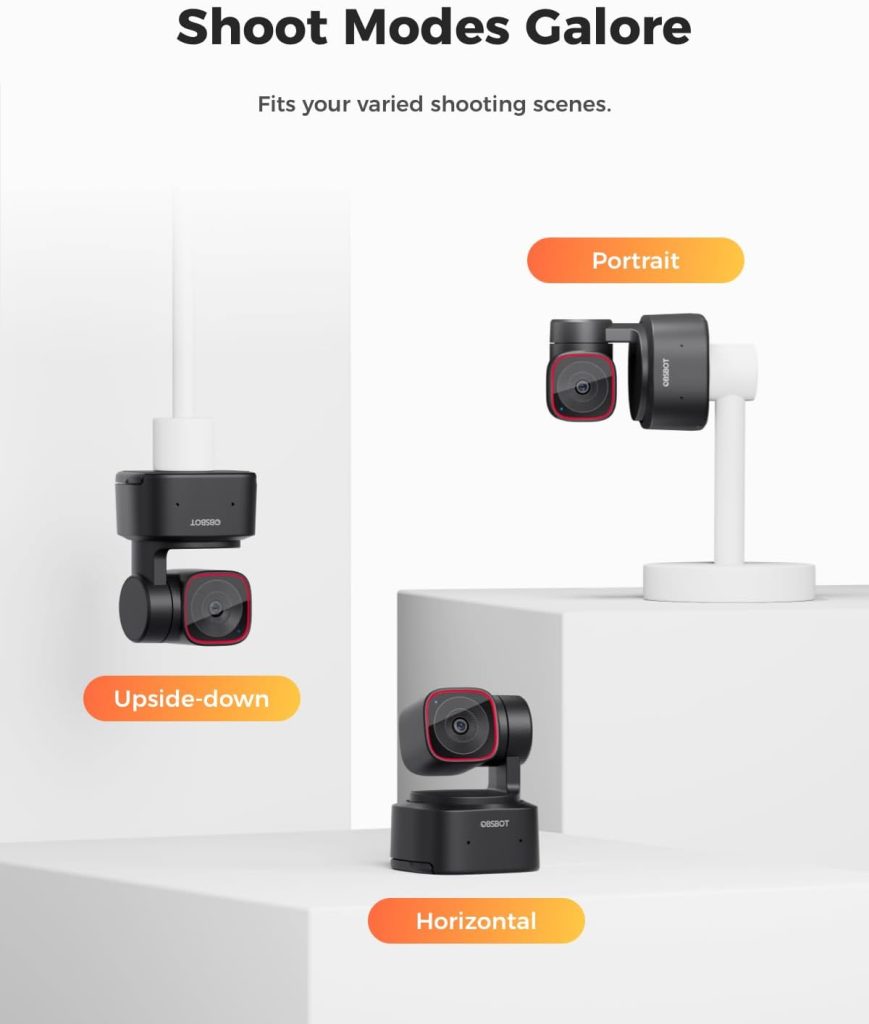
A sturdy magnetic mount, a travel-friendly carrying pouch, a USB-C to USB-A adapter, and a built-in ¼″ tripod thread offer flexibility whether you clamp it to a laptop, attach it to a boom arm, or mount it on a light stand.
Cons
- 4K frame rate capped at 30 fps
While 30 fps is fine for most business calls and webinars, gamers or fast-motion demonstrators may miss the extra smoothness of 60 fps at full resolution. Stepping down to 1080p is the only path to higher frame rates. - Best results demand good lighting
Out of the box, image quality is solid, but achieving the cinematic look seen in polished reviews still requires a ring light or softbox. In dim rooms, noise creeps in and detail softens. - Tuning curve for perfectionists
The OBSBOT Center software unlocks powerful controls—white balance, exposure, HDR—but beginners may need a few trial-and-error sessions (or a YouTube deep dive) to dial in ideal settings for their environment.
FAQs
1. Does Tiny 2 Lite work on macOS and Windows?
Yes. OBSBOT Center is available for Windows 10 and newer, plus macOS 11 (Big Sur) and above. Installation takes just a few minutes, and firmware updates can be applied directly within the software.
2. How stable is the AI tracking during long meetings?
In testing, the gimbal maintained lock for two-hour Zoom calls without drift. If tracking does lose you—say, after someone else enters the frame—a quick “L-shape” hand gesture reacquires your face in seconds.
3. Can I stream at 60 fps?
The webcam supports 60 fps only in 1080p mode. For platforms like Twitch or YouTube where smoothness matters more than resolution, this compromise still delivers a polished broadcast, and most conferencing apps downscale to 1080p anyway.
4. Is tripod or boom-arm mounting possible?
Absolutely. Unscrew the rubber pad on the bottom, and you’ll find a standard ¼-inch thread. That means you can mount Tiny 2 Lite on desktop tripods, light stands, or articulated arms—ideal for overhead unboxing shots or multi-cam setups.
If you’re hunting for an AI-powered OBSBOT Webcam that nails hands-free framing and crisp 4K, Tiny 2 Lite is the standout in its class. Compared with rivals like Logitech Brio 4K and Insta360 Link, it matches their smarts while adding a physical gimbal for buttery-smooth pans. Factor in the surprisingly tasteful beauty mode and easy setup, and Tiny 2 Lite edges ahead for creators who move and multitask.
Check current deals:
OBSBOT Tiny 2 Lite 4K Webcam – Amazon
If you found this review helpful and want more deep-dive looks at the latest, most exciting tech products, head over to our Tech section for fresh reviews and buying guides: https://wellreviewed.co/category/tech/